
Registering Bidders
Before a bidder can participate in an event, they must register for an account. Note that bidders only need to register once. If a bidder is unable to login because they forgot their password, they should use the password reset feature on the login page.
IMPORTANT: These instructions are for bidders. To register additional users for your organization, please submit a support request.
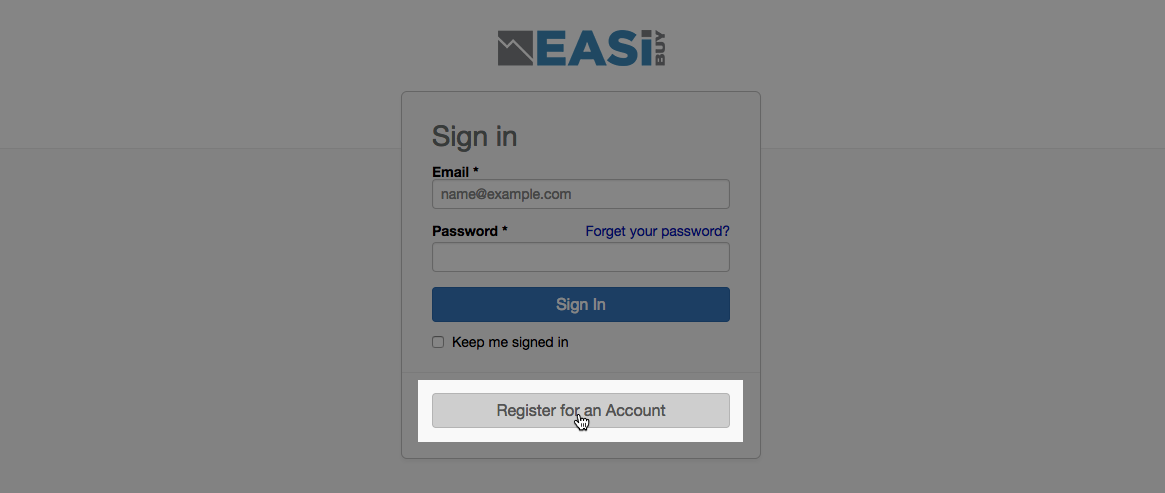
Step 1: Navigate to the registration page
Go to the login page at:
https://ra.eauctionservices.com
On this page, click on the registration button.
Step 2: Complete the form
Complete the registration form with your organization details.
Under the Reason for Registering section, click the Participating in event dropdown and locate the event you are registering for. If you don't see the name of your desired event, choose other or not applicable.
When you are finished, click the Register button in the lower-right.